
1win India App: Download for Android & iOS
This is an independent affiliate guide. We are not affiliated with or operated by 1win, and we do not host, mirror or modify any installation file — every download link points to the operator's own site.
Almost every Indian player we hear from runs a single Android phone as their entire betting setup. So the questions are always the same three: why is the file not on the Play Store, is sideloading it safe, and does the app actually hold up when half the country is watching the same IPL over. Here are the answers, in that order.
1win APK Download Outside Google Play
1win distributes its Android app as a direct APK download from the official website rather than through Google Play. This is not a red flag in itself — it is the standard pattern for real-money gambling apps, because Play Store policy restricts how and where they can be listed. Independent reviewers note the same arrangement across the category.
What it does mean is that the usual safety net is missing. Google is not vetting the file for you, so the source you download from becomes the entire security check. Use the official 1win domain, reached from the app section of the site or from a link you trust, and nothing else.
Treat any 'mod', 'patched' or 'unlimited' build advertised on a forum, a Telegram channel or a YouTube description as malware aimed at your UPI apps. There is no modified version of a betting app that benefits you — only ones that benefit whoever repackaged it.
1win APK Installation Guide for Android
The whole process runs under two minutes on a normal 4G connection. Do it once, properly, and you will not touch it again except for updates.
- Open the official 1win site in Chrome and go to the mobile app section.
- Tap the Android download and accept your browser's warning about files from the web.
- When Android asks, allow installation from that specific browser under 'Install unknown apps' — then switch the permission back off afterwards.
- Open the downloaded .apk from your notifications or the Downloads folder and tap Install.
- Launch the app and log in with the credentials you created during 1win registration — do not create a second account.
- Enable notifications only if you want odds and match alerts; leave them off if you are managing your play time.
iPhone users: App Store listing or a web-app shortcut
iOS is a narrower path. Where a listing is available in the Indian App Store, install from there. Where it is not, the practical alternative is the mobile site saved to your home screen: open 1win in Safari, tap Share, then 'Add to Home Screen'. You get an icon, a full-screen view and no browser chrome — close enough to the native feel for betting and cashier tasks.
One caution specific to iOS in this category: do not install configuration profiles or enterprise certificates offered by third-party sites promising an 'iOS version'. That is a route to a compromised handset, not to a betting app.
1win App for IPL Live Betting in India
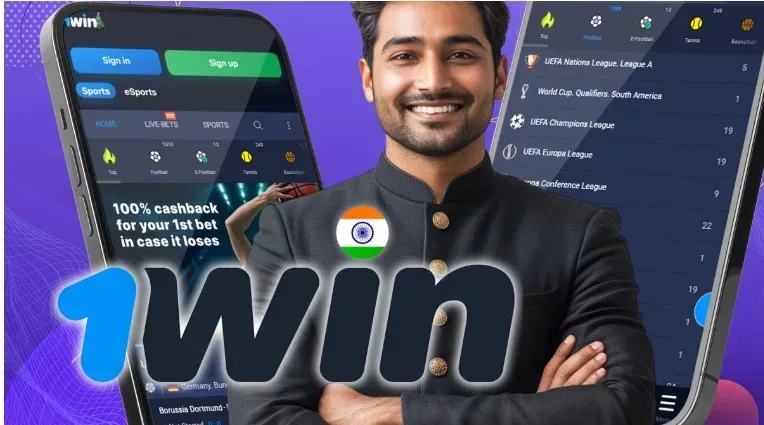
During an IPL match the difference between the app and a browser tab is not cosmetic. Live cricket odds move fastest between overs and after a wicket, and a native build reconnects more gracefully when your signal dips between towers — which matters if you are watching from a train, a rooftop in Pune or a patchy corner of Kolkata.
The app is also better at holding a session. Browser tabs get dumped from memory when you switch to a stream or take a call; the app usually comes back where you left it, which is the whole point when a market is only open for another forty seconds. Our main 1win India guide covers the cricket markets themselves — runs in the next over, method of dismissal, top batsman, powerplay totals — in more detail.
Data use is modest for odds and cashier screens, heavier if you keep live video or animated crash games running. If you are on a limited daily pack, the crash lobby and live dealer tables will eat it faster than a cricket coupon.
Update the app when it prompts you. An out-of-date build is the most common cause of a cashier page refusing to load a payment method that everyone else can see — worth checking before you blame your bank on the payments side.
Storage, permissions and keeping the install clean
The app is light by modern standards, but give it breathing room: a couple of hundred megabytes free, a recent-enough Android version, and a stable connection. Exact device requirements are published by the operator and can shift between releases, so read the app page rather than trusting a number on a guide site.
Permissions should be minimal. Storage access for saving documents during verification and notifications are reasonable; anything asking for contacts or SMS reading is not something a betting app needs. If a build you downloaded requests those, you did not get it from the official source — uninstall it and start again.
Set your deposit limit inside the app on day one. It is the same two taps whether you do it now or after a bad session, and doing it now is the version that helps. 18+ (21+ in some states); betting carries real financial risk and terms apply to every offer.
FAQ
Is the 1win app available on the Google Play Store?
No. The Android app is distributed as a direct APK download from the official 1win site, which is the standard arrangement for real-money gambling apps because of Play Store policy.
Is sideloading the APK safe?
It is as safe as your source. Download only from the official 1win domain, allow installation for that browser, and never install a modified or 'patched' build from a forum or messaging channel.
Is there a 1win app for iPhone?
Where an App Store listing is available you can install it directly. Otherwise, add the mobile site to your iOS home screen from Safari for a full-screen, app-like experience.
Do I need a separate account for the app?
No. The app and the site share one account. Log in with the same credentials you used at signup — creating a duplicate account risks both being closed.
Will the app work on a low-end Android phone?
Odds, coupons and cashier screens are light and run fine on modest hardware. Live dealer streams and animated crash titles are the demanding parts, both on the processor and on your data pack.
1win APK Download from the Official Source
One download, one account, one login across app and site. Read the current device requirements on the operator's app page. 18+ (21+ in some states), terms apply.
Get Bonus